How To Make a Hopper in Minecraft
Ever wanted to make your farming system more efficient in Minecraft APK without any manual hard work? Start making hoppers that act as item containers or item sorters. Using the hoppers in Minecraft, players can collect the items right above it and place them in different containers such as furnaces or chests. You can make your farming and harvesting more advanced using different hoppers for quicker transfer of items from one container to another. Know how to make a Hopper in Minecraft in this article.
Ultimate Guide on Making Hoppers in Minecraft
From crafting advanced items to building complex structures, Minecraft is always a top priority of players in the gaming worlds. As Minecraft has unlimited features to offer, farming is the most interesting one as you can access all the farming items as well as vast landscapes to build them. In this article, we have covered an ultimate guide on making a hopper that’s a beneficial block used in automatic farming systems.
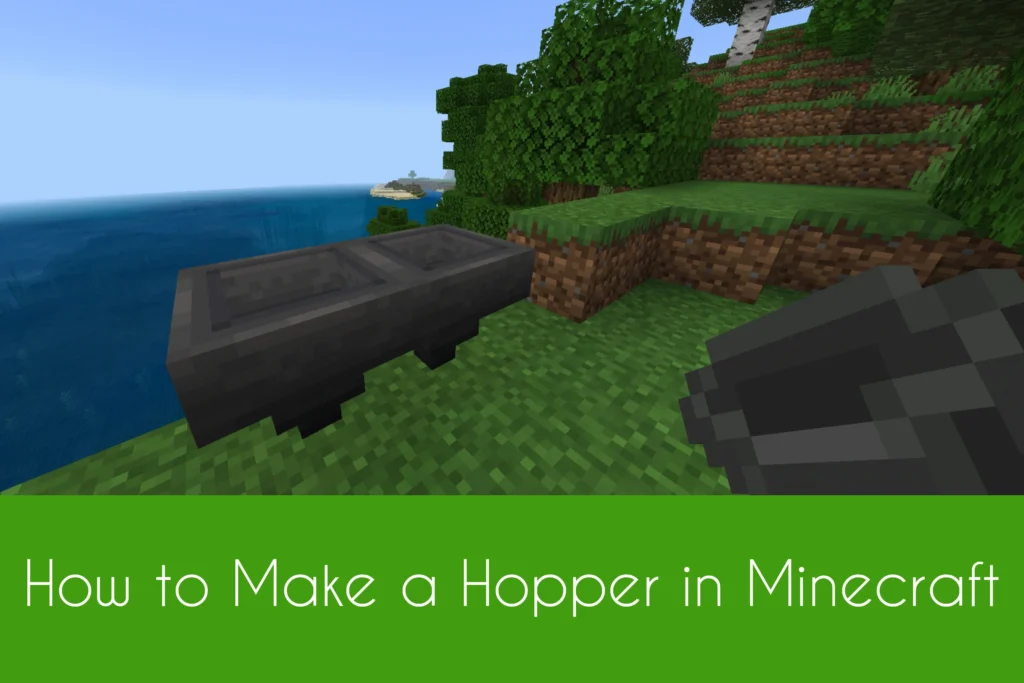
Hoppers in Minecraft are the storage blocks that help players to transfer items or tools from one place to another. Players have to feed the items from the upper hole of the hopper and the hopper will dispense those items from its lower hole to the container. This way, players can use hoppers for automatic farming systems and make efficient farms in Minecraft Java Edition. You need iron ingots and a chest for crafting a hopper. Moreover, must know how to use Traveler’s Backpack in Minecraft for getting extra storage for your additional items.
Get Iron Ingots
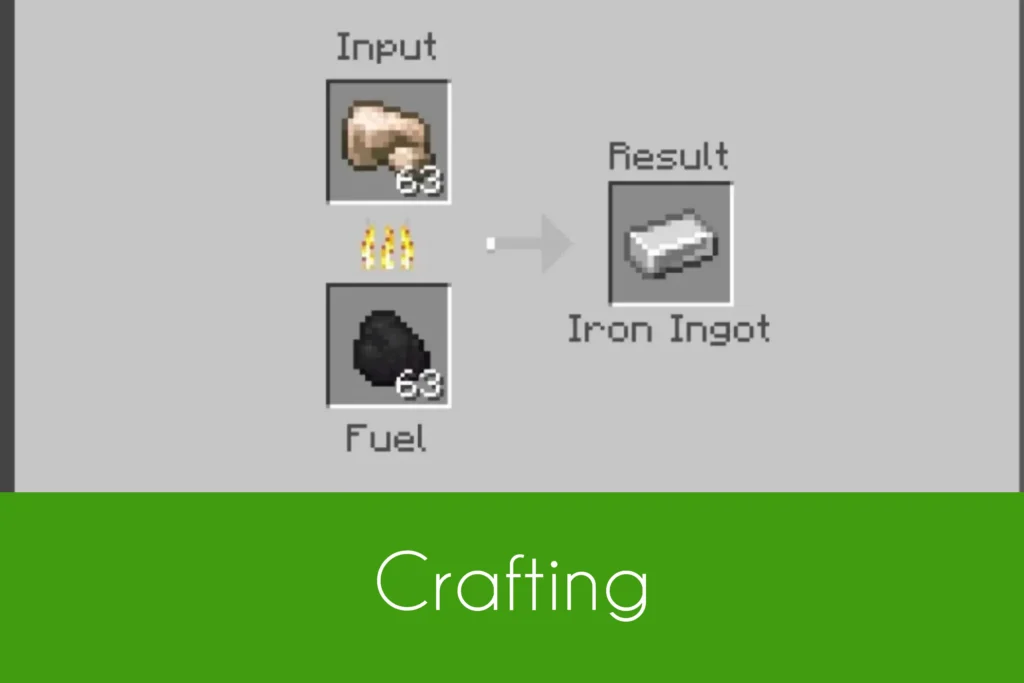
Iron ingots are needed to craft a hopper in Minecraft. Players have to first craft these ingots using raw iron and coal. Place both in the furnace to get the ingots.
Get a Chest
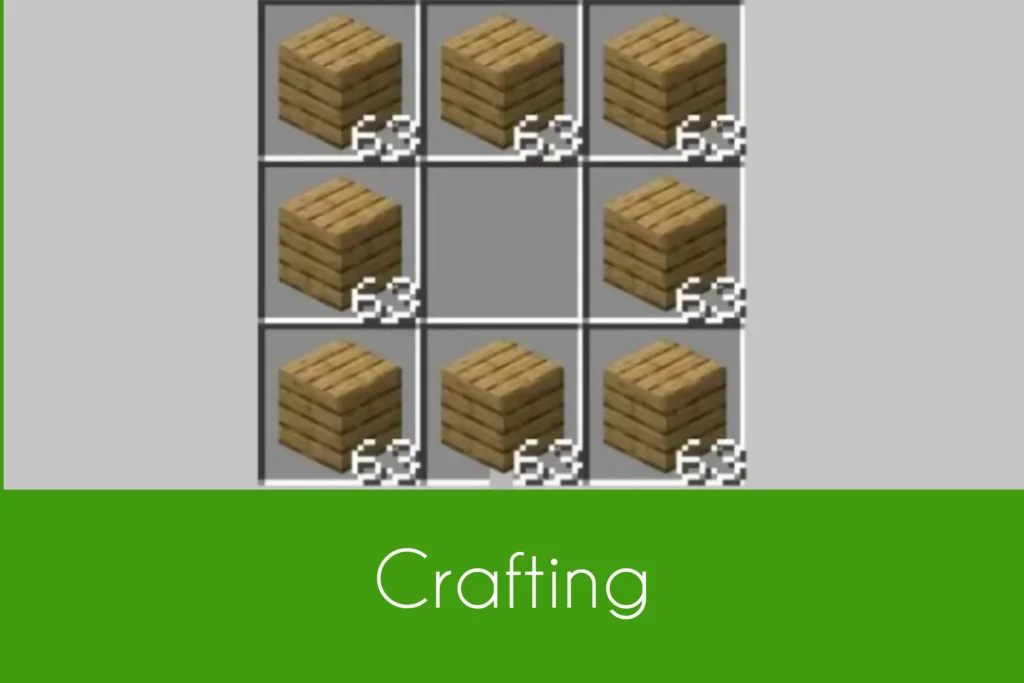
Chest is another thing needed to craft a hopper in Minecraft. It acts as a storage block in the game. Place 8 wooden planks in the crafting grid as per the crafting recipe given below in the picture to get a chest.
Craft a Hopper
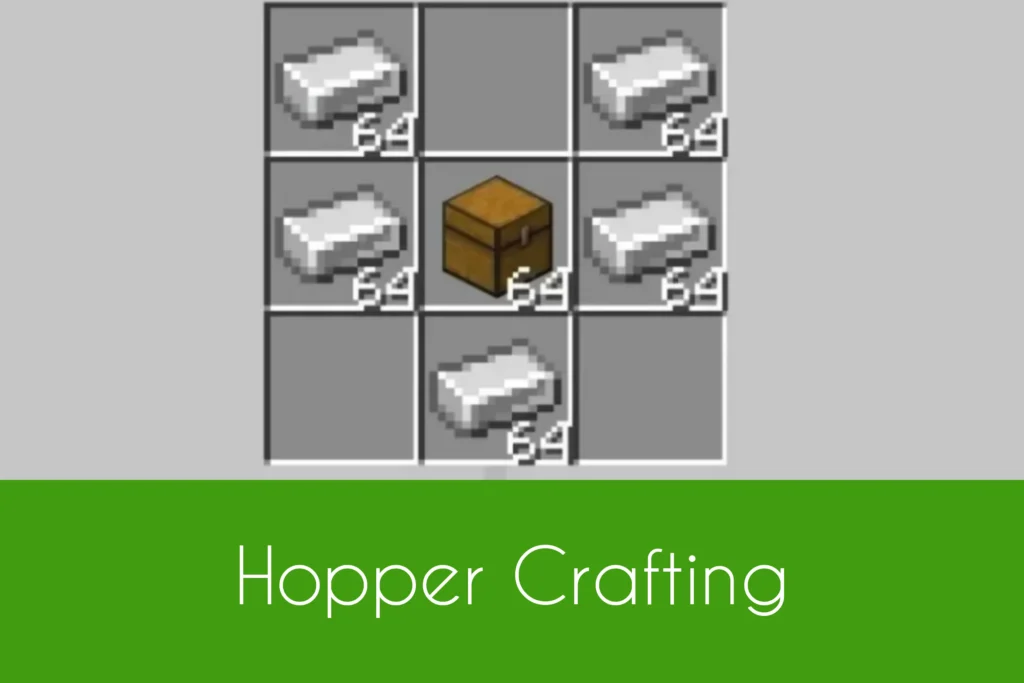
Now, it’s time to craft a hopper in Minecraft once done gathering all the required materials. Place 2,2 iron ingots in the 1st and 3rd boxes of row 1 and row 2. Also place one iron ingot in the middle box of row 3. At last, place 1 chest in the middle box of row 2. This is how you can get a hopper in Minecraft.
Get Hopper Through Commands
Another way to get a hopper in Minecraft is through commands. Hopper in the efficient block that helps players to farm easily in the most efficient ways. If you want to get the hopper in Minecraft quickly in seconds, you have to use the specific commands for it. For getting hopper in Minecraft, type the following commands below in the chat box of your edition.
- /give @p hopper 1
- /give @p hopper 1 0