How To Make Piston in Minecraft
Start making efficient farms and buildings in Minecraft APK by introducing pistons. Make your own pistons and sticky pistons that help players to move or push any blocks, characters, and items. From using pistons for transferring items to the containers to pushing flooded farms, players can experience the most enhanced and effective gameplay of Minecraft Bedrock Edition. Start surviving in the most wonderful way by knowing how to make a Piston in Minecraft.
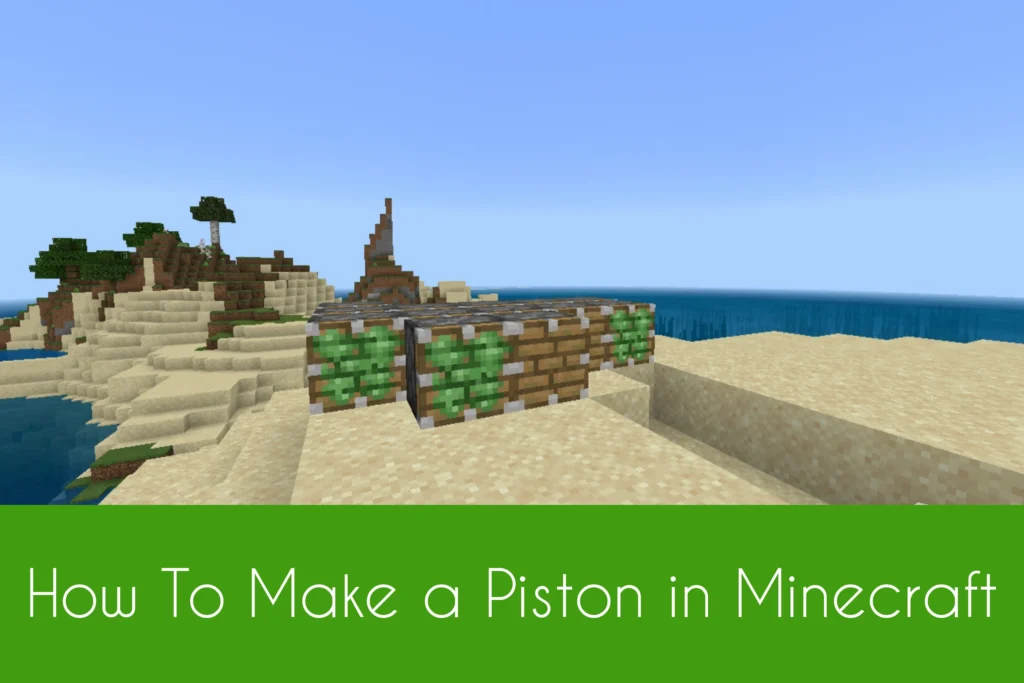
Ultimate Guide on Making a Piston in Minecraft
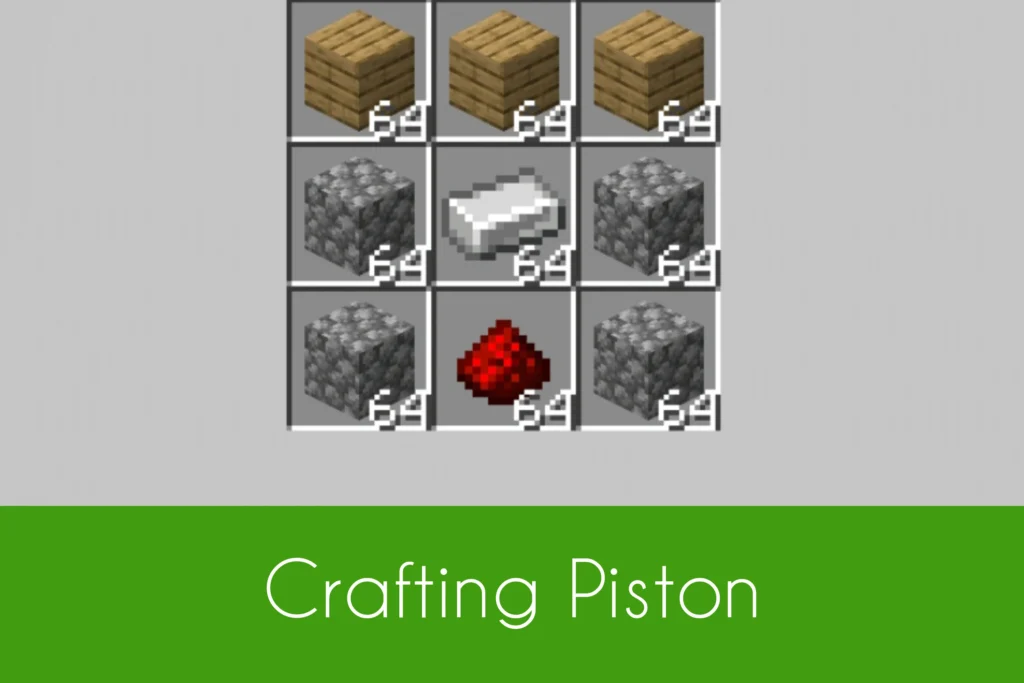
From unleashing creativity in the vast biomes of Minecraft to crafting unlimited items for building, Minecraft is a blockbuster game of adventures. If you’re a builder or a fighter and want to push heavy blocks, monsters or other entities, start making a beneficial piston in Minecraft. Players can use the piston in different ways whether for pushing blocks or moving players. Make your survival gameplay more adventurous and efficient to play by making a new item called a Piston. When giving a Redstone signal to a piston, it will start pushing your specifics in seconds. In this article, you can find a complete guide on making a piston in Minecraft. For making it, you need 3 wood planks, 4 cobblestones, 1 iron ingot and a Redstone dust. Let’s craft together! Also know How To Make a Hopper in Minecraft to get an item container or an item sorter.
Crafting a Piston
As piston is a solid block holder pushing powers, players can easily craft using the required materials given above. Before crafting, make sure to gather all the needed materials. Start crafting a piston hy first placing 2 wood planks in row 1. Now place 4 cobblestones in the 1st and 3rd boxes of row 2 and row 3. After that, place an iron ingot in the middle box of row 2. At last, place a Redstone dust in the middle box of row 3. Now collect the crafted piston from the output box and place it in your survival or creative inventory.
Crafting a Sticky Piston
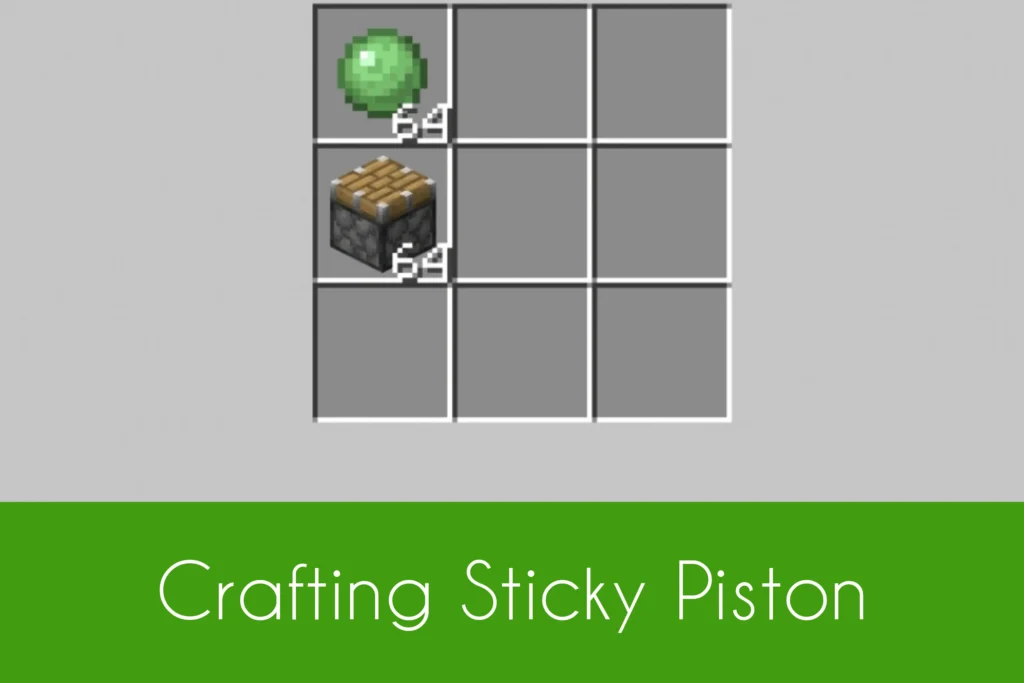
Sticky piston in Minecraft is a variant of a piston that holds advanced effects. Players with a sticky piston can push and even pull the blocks or other stuff when giving a Redstone signal. Pushing up to 12 blocks, players can push in all the directions. Besides crafting a normal piston in Minecraft, players can also craft a sticky piston in Minecraft using the two required materials including a piston and a slimeball. For crafting, place a slimeball in the 1st box of row 1 and a piston in the 1st box of row 2 of the 3×3 crafting grid.